
Windows vs Linux on a Strix Halo Mini PC
Choose Windows for less setup, or Linux when you need more of the soldered RAM pool for local LLMs — with dated table tiers.
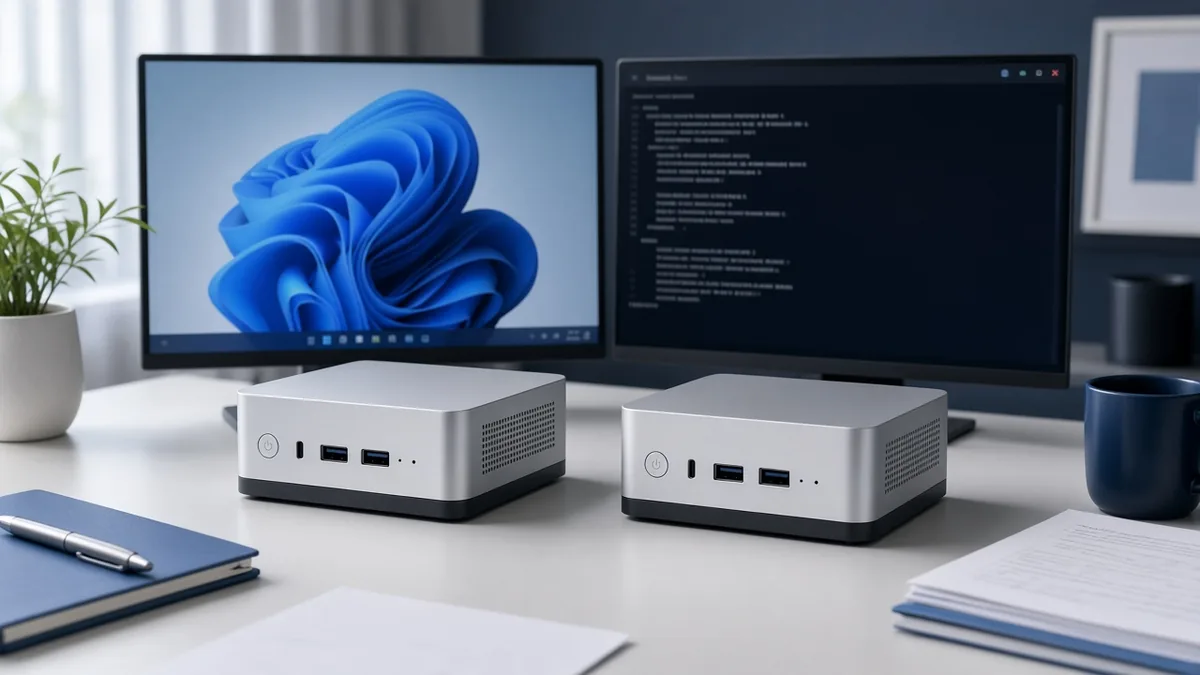
Choose Windows for less setup at 70B or 120B MoE; choose Linux when you need more GPU-visible memory than Windows’ common ~96GB default — Linux can approach ~120GB on 128GB machines, and PRO 495 rows list 160GB GPU-addressable.
Key takeaways
- Windows for less setup; Linux when you need more of the soldered pool.
- Windows often stays near ~96GB GPU-visible on 128GB machines; Linux can approach ~120GB; PRO 495 lists 160GB GPU-addressable.
- 70B / 120B MoE without tuning → Windows; 235B or maxing RAM → Linux.
Who this is for
- Helpful when you are choosing an OS for a Strix Halo mini PC and care about setup vs GPU-visible memory.
- Less useful when you want install command paste-ins, driver version pins, or speed benchmarks.
OS choice changes how much of the soldered pool local runtimes can see. Dollars and tier labels below match the dated price table.
Install and drivers
Most turnkey Strix Halo rows on this table ship with Windows already installed. Examples:
- GMKtec EVO-X2 128GB · 1TB — Windows 11 Pro · primary Amazon $3,500 (checked November 13, 2026).
- GMKtec EVO-X2 64GB · 1TB — Windows 11 Pro · primary Amazon $2,200 (checked November 13, 2026).
- Minisforum MS-S1 Max 128GB · 2TB — Windows 11 Pro · primary Amazon $3,959 (checked November 13, 2026).
Beelink GTR9 Pro 128GB · 2TB lists Ubuntu/Windows 11 Pro on the table · primary Amazon $3,699 (checked November 13, 2026).
Framework Desktop DIY rows list OS as None - DIY (64GB primary $1,959 and 128GB primary $3,449, both Official, checked October 31, 2026). You bring the OS with the kit.
Windows on a turnkey box is usually ready after first boot. Linux means you install the OS, GPU/stack drivers, and the runtime yourself — follow current vendor and project docs rather than copied one-off commands.
Official references: Windows 11 download · Ubuntu Desktop download · AMD drivers · Framework Desktop
Software on both sides
The same first-path runtimes work on Windows and Linux. This site does not rank them or publish tokens/sec.
- LM Studio — GUI app; docs cover download and model discovery.
- Ollama — app + CLI; docs include Windows and Linux install paths.
- llama.cpp / llama.app installation — lower-level control when you want the project’s own CLI/server flow.
Pull licensed weights from Hugging Face or the runtime catalog. Size the model to GPU-visible memory, not only the sticker unified RAM. Q4 planning sizes used elsewhere on this site: ~42GB (70B), ~67GB (120B MoE), ~142GB (235B).
More setup detail: How to run LLMs on a Strix Halo mini PC.
Which to pick
Memory facts that drive the call:
- Windows commonly keeps a default near 96GB GPU-visible memory — including on 128GB unified rows that list 96GB GPU-addressable on this table (EVO-X2 128GB, Bosgame M5 128GB, and other 395 128GB rows).
- Linux can raise GTT / similar limits so more of a larger pool is usable. On a 128GB machine that can approach ~120GB class headroom; PRO 495 192GB rows list 160GB GPU-addressable (Bosgame M5 Max, Framework Desktop PRO 495, EVO-X5 Pro, MS-S1 MAX-P495).
Practical split:
- Stay on Windows when you only need 70B Q4 or 120B MoE and want the least setup — those classes match 64/96GB and 128GB rows on the table (for example EVO-X2 64GB Amazon $2,200 and EVO-X2 128GB · 1TB Amazon $3,500, both checked November 13, 2026).
- Prefer Linux when you are buying PRO 495 192GB for 235B Q4 (M5 Max Official $6,199 checked November 13, 2026; Framework PRO 495 DIY $6,799 checked October 31, 2026) or when you want to use as much of a 128GB+ pool as the OS will allow.
This page does not publish registry or sysfs commands. Change GPU memory allocation only with OS/vendor documentation you trust, then confirm in your runtime’s memory readout.
Bottom line
Windows for less setup at 70B / 120B MoE; Linux when you need more of the soldered pool toward ~120GB on 128GB machines or the 160GB GPU tier on PRO 495. Confirm the RAM tier on the price table.
FAQ
Does a 128GB Windows machine give 128GB to the GPU?
Not under the common Windows default near 96GB GPU-visible memory. 128GB 395 rows on this table list 96GB GPU-addressable.
Do I need Linux to run 120B MoE?
No. 128GB 395 rows are labeled 120B MoE with ~96GB GPU-addressable — that class is the Windows-default ceiling many buyers stay inside.
Where are the install commands?
Not on this page. Use the linked official Windows, Linux, AMD, LM Studio, Ollama, and llama.cpp docs for current steps.